How to Prepare Print-Ready Bib Artwork
Selected the “Provide Print Ready Design File” option? Follow this official production guide to bleeds, layers, variable numbers, and downloadable templates so your custom race bibs print flawlessly.
What You See vs. What You Submit
Understanding how variable participant numbers merge with your base artwork is the key to a perfect print run.
 🔍 Enlarge
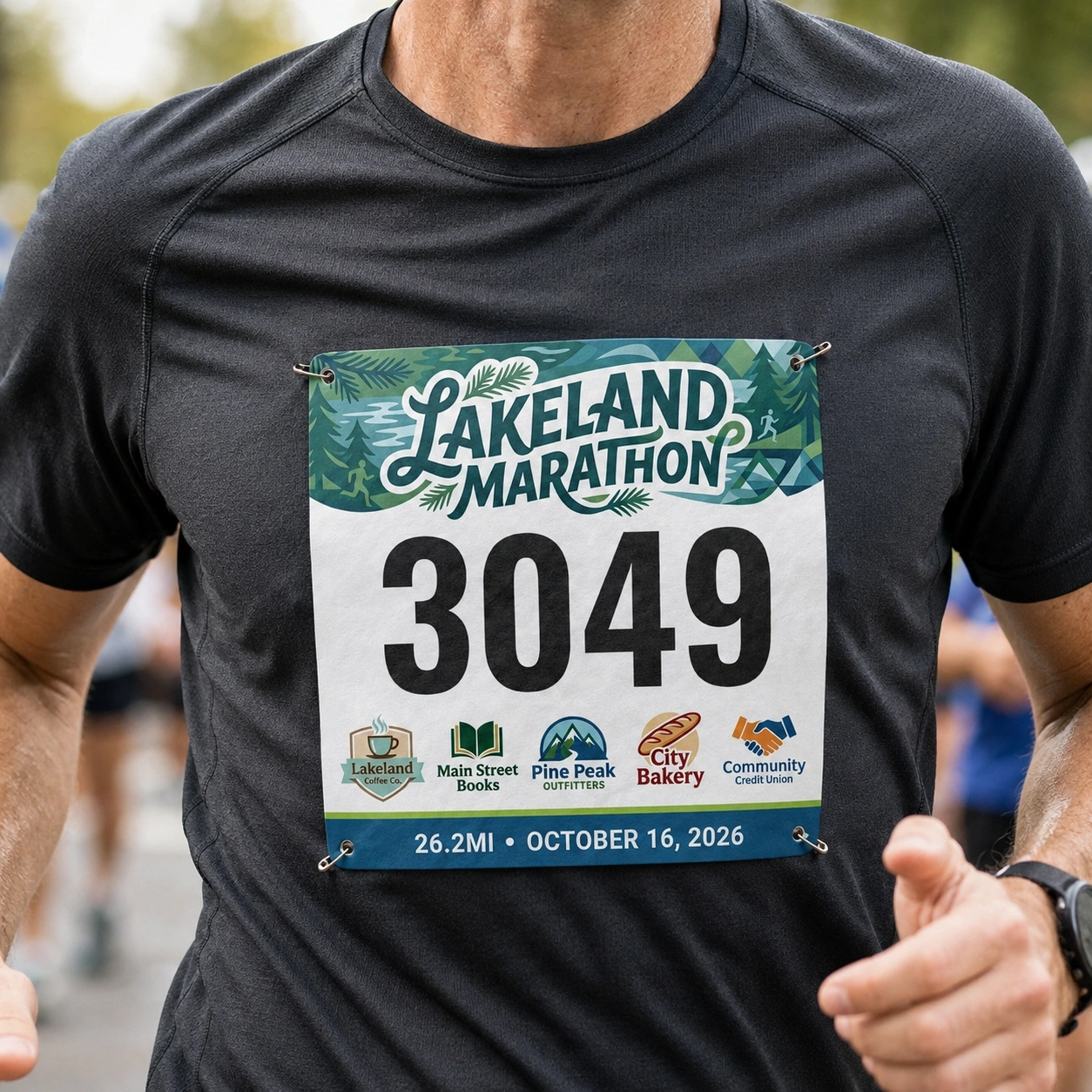
Want an awesome bib like this?
This is the final physical bib after our high-speed variable data press merges your base graphics with sequential runner numbers, participant names, division tags, and barcodes.
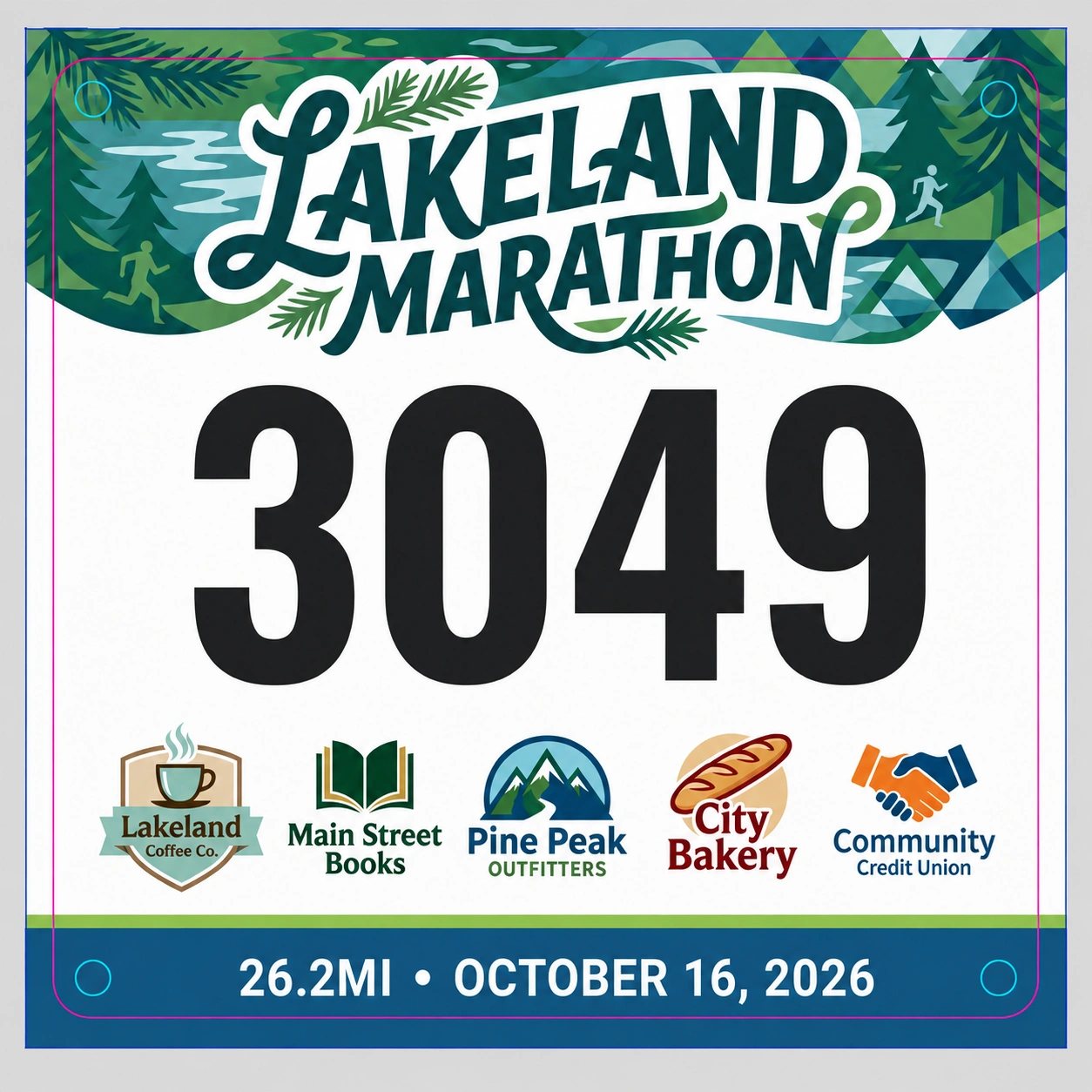 🔍 Enlarge
Did you know it has to be designed like this?
Your base artwork must have no flattened runner numbers, no template guide lines, and 1/8″ bleed on all edges. Dynamic text is mapped separately during production.
Why does this separation matter?
Our variable digital press dynamically generates thousands of unique participant numbers, custom barcodes, and corral codes directly from your athlete roster. If numbers are hardcoded or flattened into your background image, we cannot replace them automatically without costly delays or manual redesign fees.
5 Essential Rules for Flawless Files
Avoid the most common file setup issues by checking these standard print specifications.
Never Flatten Static Numbers or Text into Base Artwork
When designing in Photoshop, Canva, Illustrator, or AI generators, do not export a flattened single image (like a JPG or flat PNG) that contains a sample number like "101" or runner name baked into the background. If numbers are flattened, we cannot remove them to insert your live runner data roster.
Keep your runner numbers, barcodes, and athlete names on separate, editable layers. This allows us to inspect your exact layout, then turn off sample text before running the live variable data roster merge.
If exporting flattened images such as from Canva or Photoshop, supply two separate files:
Include 1/8″ Bleed (1/4″ Extra Overall)
Bleed is the artwork area that extends beyond the final cut line. Industrial cutting blades have tiny mechanical tolerances; if artwork is designed only to the exact finished cut size, white slivers may appear along the edges.
Preferred Software & Native Formats
We strongly prefer native layered vector and raster files: Adobe Illustrator (.ai), Photoshop (.psd), InDesign (.indd), or high-res Layered Print PDF.
.zip file for quick, one-click upload during checkout.
Choose Fonts from Google Fonts
For variable runner numbers, athlete names, emergency medical fields, and age divisions, we recommend choosing from Google Fonts (fonts.google.com).
.ttf/.otf.
Guidelines for AI-Generated Artwork
Using Midjourney, DALL-E, ChatGPT, or Adobe Firefly to create your event art? AI tools are great for stunning backgrounds, but follow these rules before uploading:
Bib Sizes & Bleed Dimensions
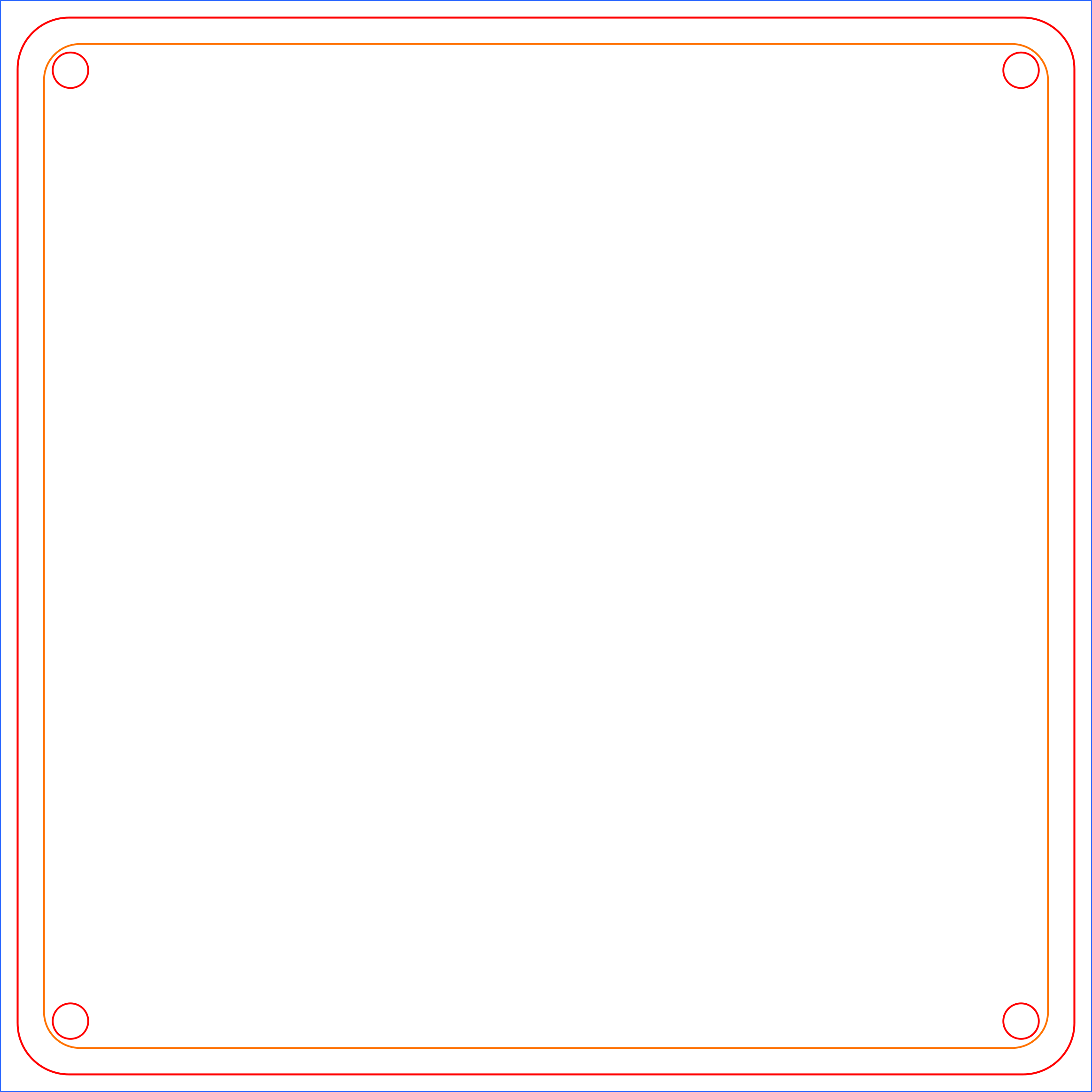
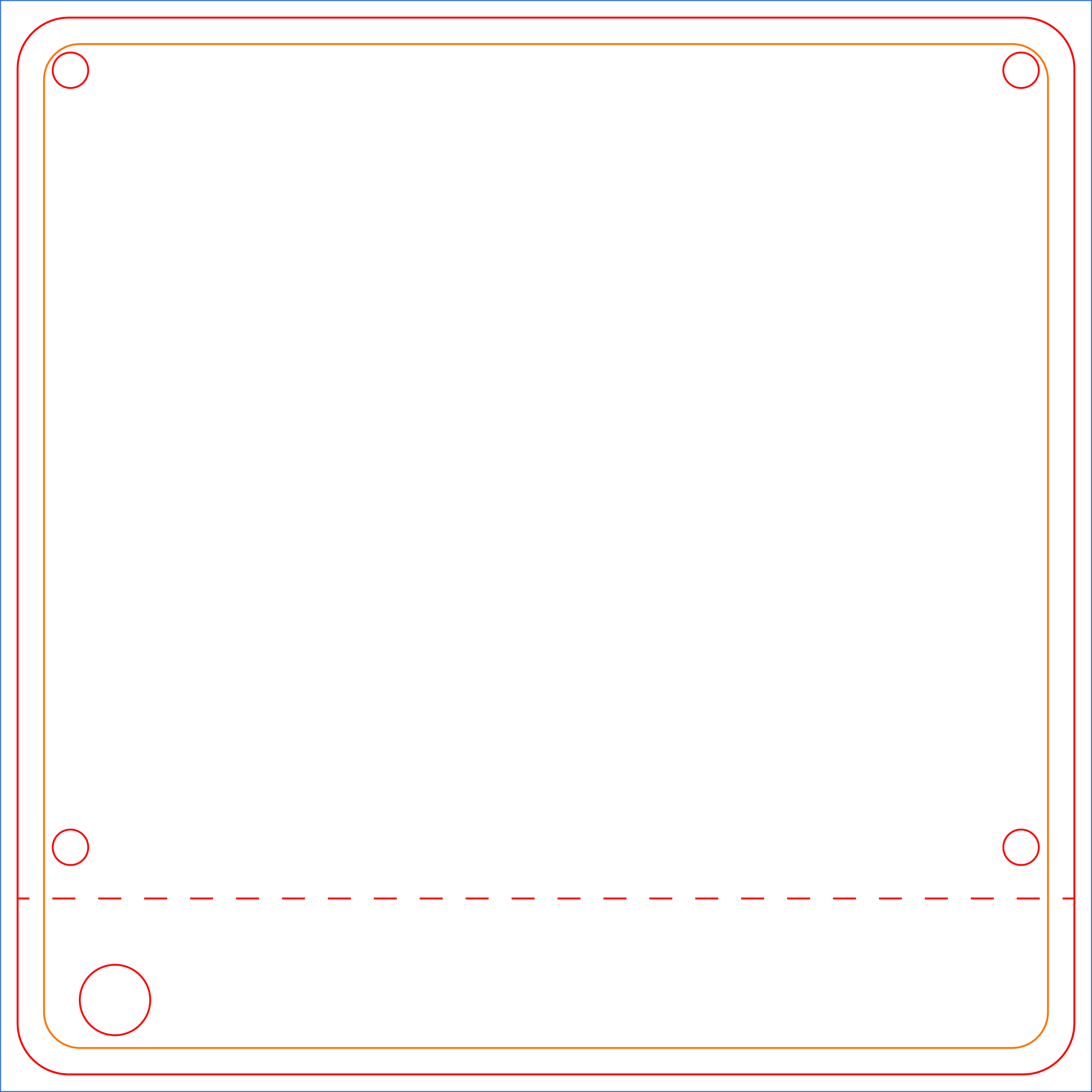
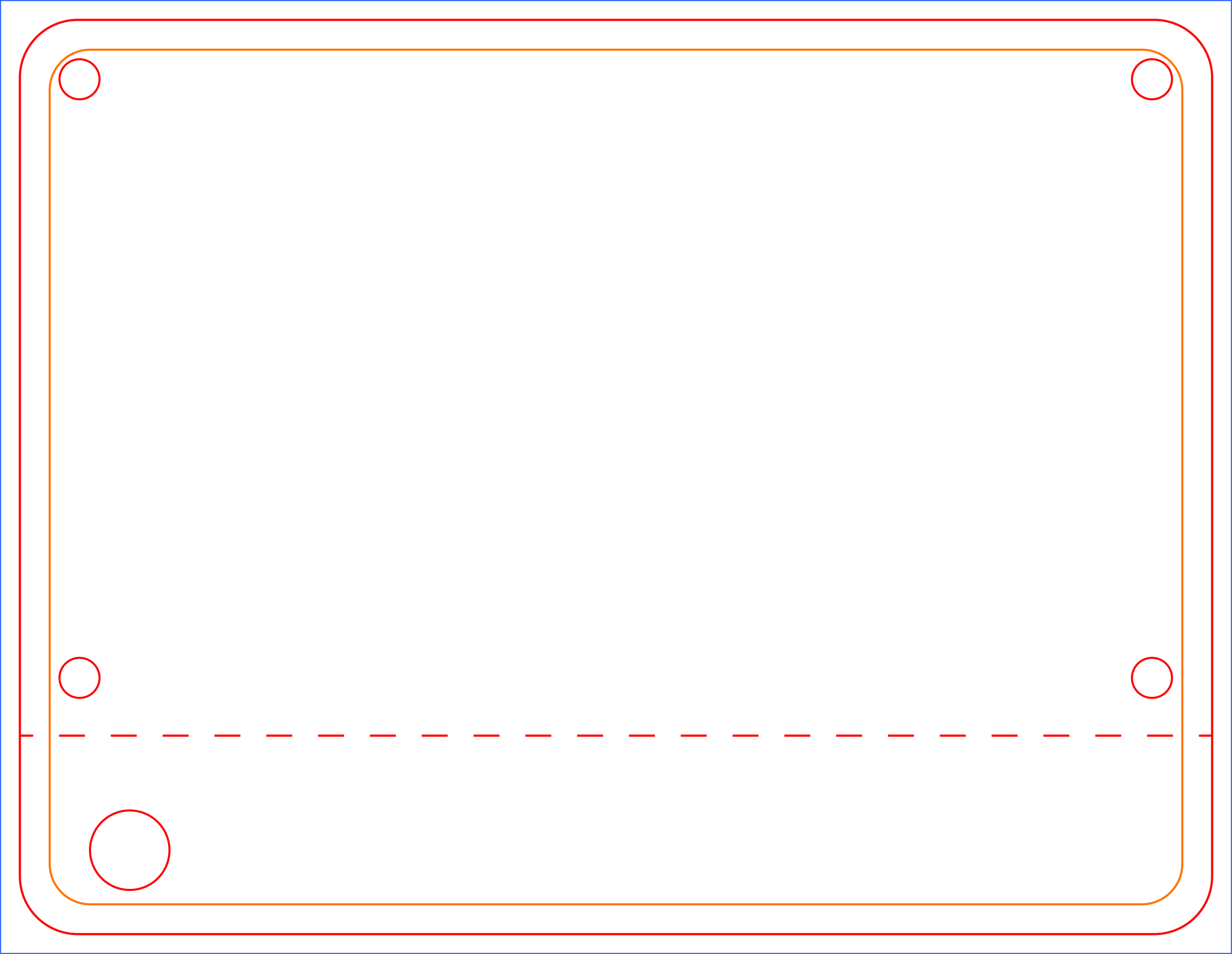
Use this exact reference table when setting up your custom canvas or artboards in Adobe Creative Cloud or Affinity.
Competitor Runner Bib
View Product →Elite Runner Bib
View Product →Official Production Templates
Download pre-configured templates with built-in cut lines, safe margins, and full 1/8″ bleeds in your favorite design format.
Final Upload Checklist
Click each item below to verify your artwork is 100% production ready before submitting your order.
1/8″ (0.125″) Full Bleed Included
Total document canvas is 1/4″ (0.25″) wider and taller than the finished cut size with background artwork extending all the way to outer edges.
No Static Numbers Baked into Art
Sample numbers and names are on separate hidden layers, or a clean base artwork file is provided along with a separate visual composite mockup.
Template Guide Lines Removed
Red cut lines, perforations, and safe-margin instruction layers from our downloadable template are hidden or removed from the exported artwork.
Google Font Specified or Files Included
Desired Google Font name is stated in your order notes, or the .ttf/.otf font files are included inside your uploaded zip package.
High Resolution (300 DPI)
All raster elements, sponsor logos, and background photos are crisp 300 DPI (dots per inch) to prevent pixelation during press printing.
Files Packaged into a Single .ZIP
All base art, mockups, fonts, and data spreadsheets are compressed into a single .zip file for fast and easy upload during checkout.
Select Your Race Bib Model
Choose your preferred bib size below to start your order and upload your print-ready artwork.
Competitor Runner Bib
7.5″ w × 7.5″ hOur premier standard race bib featuring maximum visibility for high-speed finish line photography, large sponsor branding zones, and optional pull-off raffle/meal stubs.
Elite Runner Bib
7.5″ w × 5.75″ hThe streamlined, low-profile performance bib designed for marathons, triathlons, trail runs, and major road races requiring lightweight comfort and ultra-clear numbers.